

Streaming data from Twitter Api is really important from the data analytic perspective. Getting the pulse of your user community on the web and across different geographics gets really important in terms of making big decisions. Pentaho Kettle does provide you with few steps to read or stream data from Twitter. In fact there is already a sample example present in the installation directory of the PDI on the twitter. But that sample code might not work due to changes in the Authentication system of twitter api’s. Currently Twitter uses OAuth now for the third party users to access the data.
So in this blog will share few steps to actually stream the twitter data using OAuth:
Step-1: Register an Application in Twitter:
Very first step is to register an application on Twitter. Click on this link and register yourself an application.
Step-2: The Authentication details of the App
Once you have registered your app on twitter, you will find few details shown. Check images below:
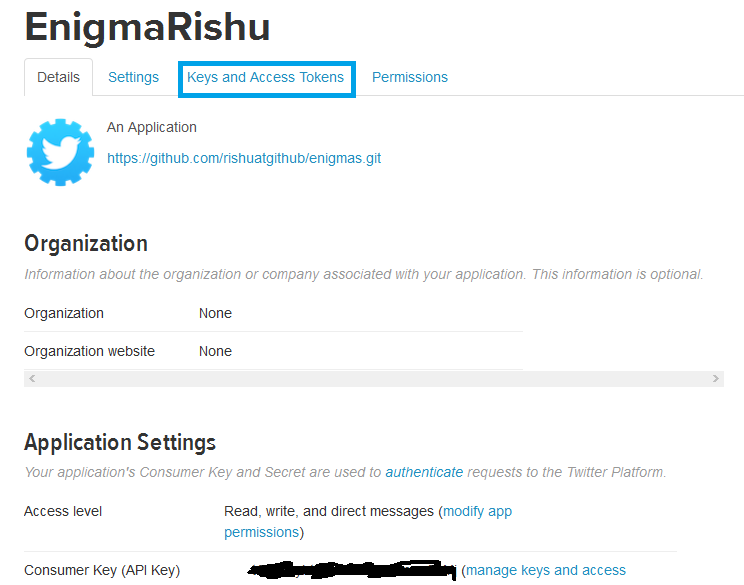
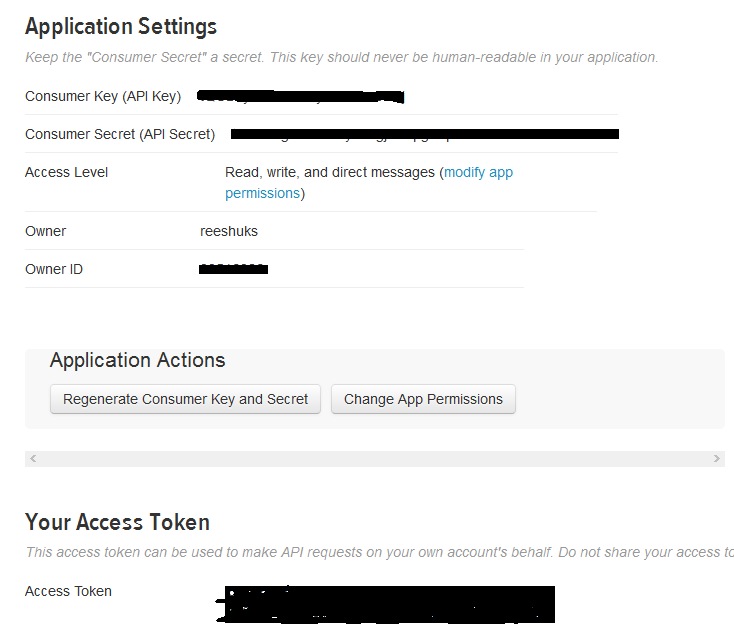
In the above images, my application name is : EnigmaRishu and twitter provides with various keys and access tokens. These keys and tokens are required when calling the twitter api from PDI in the request header.
Step-3: Building a Transformation

Subscribe to continue reading
Subscribe to get access to the rest of this post and other subscriber-only content.
 Tech Spaghetti
20 responses to “Stream Data from Twitter API with OAuth using Kettle”