For starters, vector graphics by definition in wikipedia, are computer graphics images that are defined in terms of 2D points, which are connected by lines and curves to form polygons and other shapes. Vector graphics are commonly found today in the SVG, EPS, PDF or AI graphic file formats and are intrinsically different from the more common raster graphics file formats such as JPEG, PNG, APNG, GIF, and MPEG4.
The main advantage of using vector images is that it has less to no distortion when compared to raster graphics like jpeg, png upon zooming in. Raster images uses bitmaps which are basically
In short, vector graphics are primarily the images that you see on icons of apps, logos, digital arts, cover pages, posters and many more. So with this short introduction, I decided to try my hands on creating something of my own.
Tool to select: Adobe Illustrator
Undoubtedly the champion of the vector graphics editing applications from Adobe. Adobe Illustrator makes it simple to build and create vector arts with the use of the simple tools. More about adobe illustrator in here.
In this blog, I will try to show some of the vector graphics I did try over the weekend and also try to give you links to the tutorials I took help of in trying out the designs.
VG-1: Blog Icon
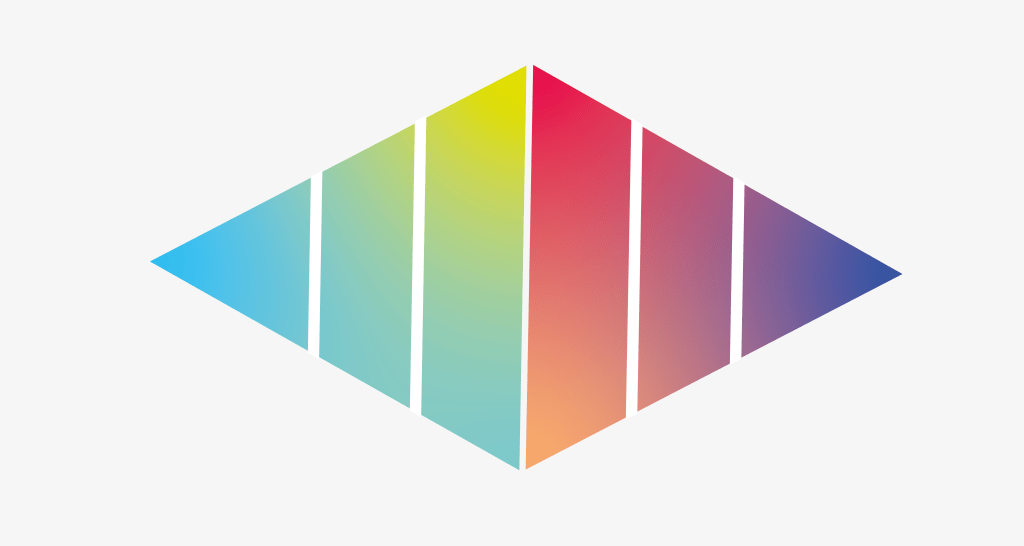
One of the simplest example I did try was to create the logo of this blog (Rishu Shrivastava – Technical write ups).
This particular icon was a composition of 2 polygons (with 3 sides) stacked on over other with the other being opposite of the other. Using the various color pallette, I managed to get a gradient of colours onto this logo.
VG-2: Hello World Bot

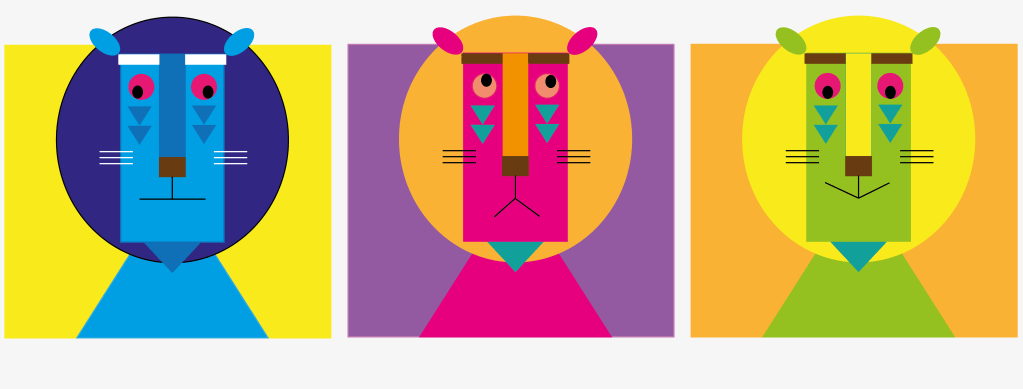
This bot image was designed using illustrator. This image was of relatively moderate complexity as it involved studying the various shapes to be used in designing this bot.
A detailed tutorial is given in the illustrator tutorial page. In this tutorial page, you will learn to edit basic geometric shapes and use those shapes to build this bot.
For starters, this bot took 3 basic shapes i.e. circle, triangle and rectangle to build this entire design. The detailed explanation of this bot design is beyond the scope of this bot. Recommend to go through the tutorial which give pretty basic idea of coming up with this design.
VG-3: Instagram Icon
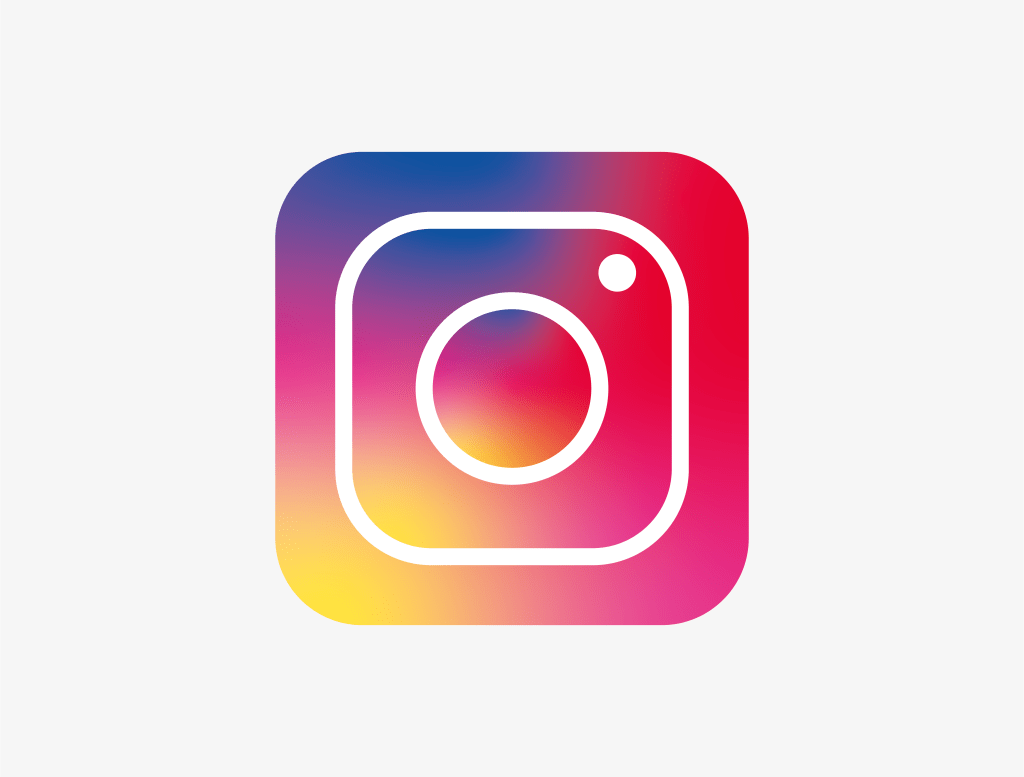
Instagram is a popular social application where user uploads photo instantly with instant edits available. Creating this iconic design was simpler than it looked.
Using illustrator, I used a combination of rectangle with rounded corners and circles to create this icon. Next using a gradient of color pallets, instagram icon was finally created.
VG-4: Pizza Slice
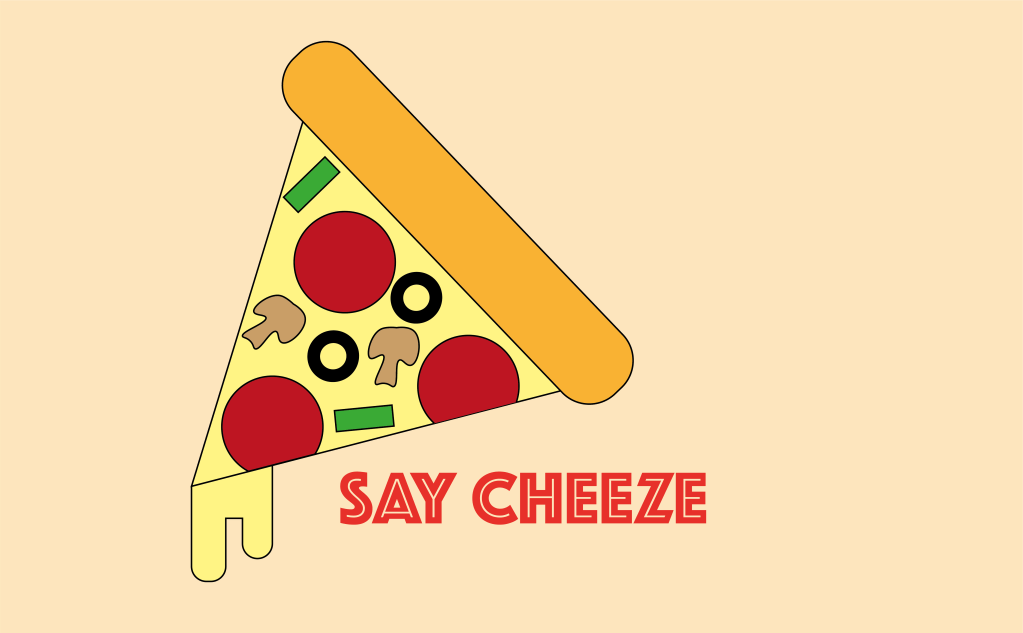
This is a part of the adobe illustrator tutorial where you would find the complete detailed tutorial of this icon.
Creating a pizza slice icon again involves use of shapes like circles, rectangle and polygon. In addition to this, there is one additional shape which is a free form pen tool which is used to create the mushrooms on the pizza. I would recommend you to go through the every steps in the above tutorial for a more detailed tutorial.
With this 4 basic icons in place, adobe illustrator can be used to create a more complex icons, logos and more complex designs using tools. Though Illustrator was first made available in market in 1987 in Mac, this tool became one of the best tools in creating vectorised images and graphics. So start learning and keep exploring.
Personally I am happy with my accomplishment in designing the logo of my photography Facebook page which I used my basic understanding of the tool to create a vectorised version of a camera.
 Tech Spaghetti
Leave a comment